Join 777h555 and Access the Full Lobby
Your 777h555 account connects you to cricket betting markets, live casino tables, and crash games — all in one place, funded through JazzCash, Easypaisa, or Raast. Access is available where local law permits.
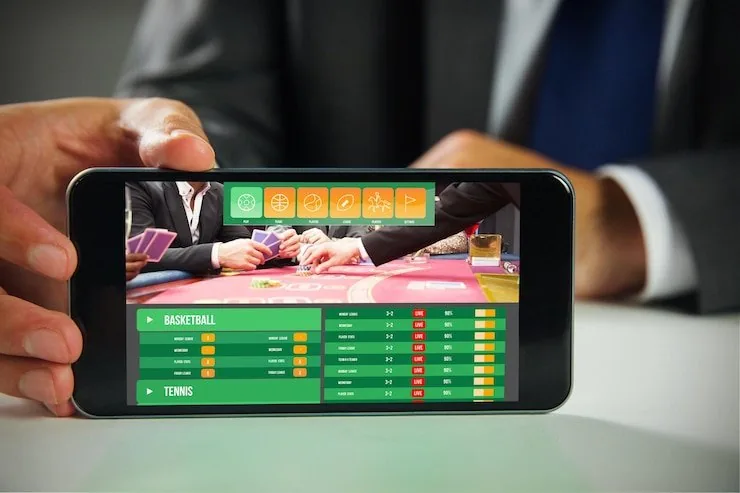
Fund Your Account the Local Way
777h555 is built around the payment rails Pakistan uses every day. Once your account is active, open your JazzCash or Easypaisa app, send to the account number shown in your wallet panel, and confirm with your PIN. Raast transfers work the same way through your bank's mobile app. Deposits reflect in your wallet as soon as the transfer clears on the network. Withdrawals follow the same path — request from your wallet, confirm your identity if prompted, and the amount routes back to the same method you used to deposit.
How We Protect Your 777h555 Account
Account security is not an afterthought here. Every session runs over an encrypted connection, your payment details are never stored in plain text, and identity checks at withdrawal protect your funds from unauthorised access. We handle your data in line with our privacy policy, and you can review or update your account details at any time from the settings panel.
SSL Encryption
Every page and transaction on 777h555 runs over SSL. Your login credentials and payment details travel encrypted from your device to our servers.
Identity Verification
Withdrawals trigger an identity check to confirm the account belongs to you. This step keeps your balance safe even if someone else has your password.
Data Protection
We do not sell your personal data. Your mobile number, payment method, and account activity are used only to operate your account and process transactions.
Account Access Controls
Change your password, update your contact number, or review active sessions from the account settings panel at any time without contacting support.
What to Expect When You Register
Registering on 777h555 takes a few straightforward steps. Enter your mobile number, set a password, and confirm your details. You will receive a one-time PIN on your phone — enter it to verify your number and activate the account. Once verified, your wallet is ready to receive a deposit via JazzCash, Easypaisa, or Raast. Keep
your login credentials secure; we recommend a unique password you do not use elsewhere. If you need help at any point, our support team is reachable through the in-app chat. Account access is subject to eligibility and local law in your region.
-
Mobile Verification A one-time PIN sent to your number confirms your identity at registration — no extra documents needed to get started.
-
Wallet Ready Instantly Your account wallet activates as soon as verification is complete, so you can add funds via JazzCash, Easypaisa, or Raast straight away.
-
Secure Login We use encrypted connections on every login. Set a strong, unique password and your account details stay protected from the first session.
-
In-App Support Access The support chat is available directly inside your account. Reach the team for help with verification, wallet queries, or lobby navigation.
Account
Registering on 777h555 takes a few straightforward steps. Enter your mobile number, set a password, and confirm your details. You will receive a one-time PIN on your phone — enter it to verify your number and activate the account. Once verified, your wallet is ready to receive a deposit via JazzCash, Easypaisa, or Raast. Keep your login credentials secure; we recommend a unique password you do not use elsewhere. If you need help at any point, our support team is reachable through the in-app chat. Account access is subject to eligibility and local law in your region.
Explore the LobbyYour details are encrypted for secure account access.
Common Questions About Signing Up
These are the questions we hear most from people creating or accessing a 777h555 account. If yours is not here, the in-app chat or help centre will have the answer.
Register
Service availability depends on eligible regions and local law. Users should check local rules before opening an account.
Access may be available only where local law permits.